Video creators
A short explainer needs narration that follows scene changes without sounding rushed.
Use sentence breaks and emphasis notes to create a more controlled first draft.
text to voice aiText to audio
An ai voice generator text to speech workflow helps you turn a written script into a listenable draft, then review pacing, pronunciation, and emphasis before you publish.

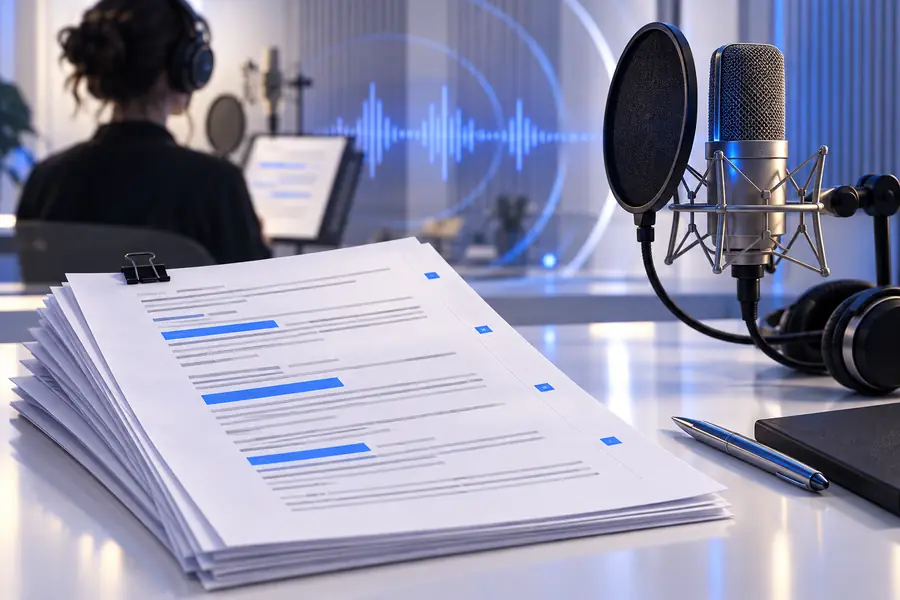
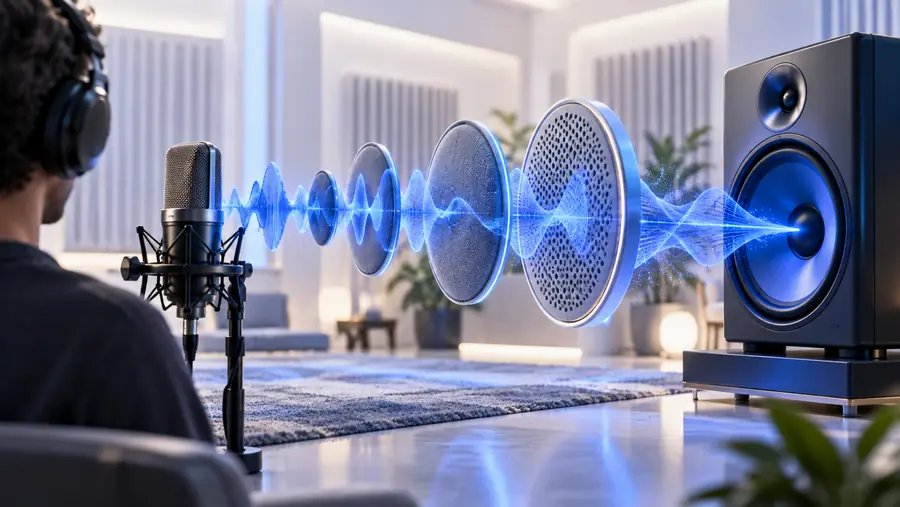
The clearest comparison is not just the waveform. It is the difference between the source script and the rendered performance: one is editable language, the other is a time-based interpretation.
Drag the divider to compare the source idea with its spoken result.
Text carries meaning compactly; speech adds timing, tone, and pronunciation. These four use cases show where that change matters most and where a careful review pays off.
A short explainer needs narration that follows scene changes without sounding rushed.
Use sentence breaks and emphasis notes to create a more controlled first draft.
text to voice aiA lesson script must sound clear when heard through headphones or small speakers.
Short paragraphs and deliberate pauses make the spoken version easier to follow.
free ai voice text to speechA launch script needs a consistent voice across several feature announcements.
Keep terminology stable, then listen for names and technical phrases that need adjustment.
text to voice aiA rough script needs a listenable narration draft before recording a human host.
The generated pass exposes awkward transitions and sentences that look fine but sound unnatural.
free ai voice text to speechA useful workflow keeps the source and the result distinct. The table below shows what changes during conversion and what still belongs to the writer.
Written text
Words, punctuation, and paragraph structure
Generated speech
A timed vocal performance
Written text
Wording, order, and explicit instructions
Generated speech
Delivery, pacing, pronunciation, and emphasis
Written text
A phrase or sentence can be edited directly
Generated speech
A change may require regenerating the affected passage
Written text
Intent may remain implied or ambiguous
Generated speech
Visual context, formatting, and silent nuance may not carry over
Written text
Read for meaning, accuracy, and flow
Generated speech
Listen for rhythm, clarity, stress, and mispronunciation
Written text
Prepare a clean script with named terms checked
Generated speech
Trim, regenerate, or place the audio into the final project
A reliable conversion pass is a short loop: prepare the words, generate a draft, and listen with the final audience in mind.
Remove stray formatting, split long paragraphs, and spell out names or abbreviations that could be read incorrectly.
Paste the copy, describe the intended delivery, and create a draft without trying to perfect every line at once.
Listen from start to finish, mark awkward pauses or emphasis, then revise only the lines that need another pass.
Generated speech is a draft, not proof that every detail is correct. Use these checks before treating the audio as ready for an audience.
A script may refer to a chart, button, or on-screen gesture that listeners cannot see.
WorkaroundAdd a spoken explanation or pair the audio with the relevant visual.
Names, acronyms, unusual spellings, and domain terms can sound wrong even when the sentence is correct.
WorkaroundWrite a pronunciation-friendly version and replay every important term.
A neutral sentence may sound too flat, too urgent, or overly cheerful for the surrounding context.
WorkaroundDescribe the intended delivery and compare the result with the audience and channel.
A complete conversion can hide repeated ideas, weak transitions, or pacing problems that are easier to catch in sections.
WorkaroundReview in short scenes or paragraphs, then assemble the approved sequence.
These examples show how a specific delivery brief can shape a more useful first pass than a bare request to read the text.
 Explainer
1
Explainer
1
Read this product introduction in a warm, confident voice. Keep the pace conversational and pause briefly after each feature.
 Education
2
Education
2
Explain this lesson in a clear, patient voice for beginners. Emphasize the three key terms and leave a short pause between steps.
 Podcast
3
Podcast
3
Read this podcast opening with a calm, curious tone. Build gentle energy through the final sentence without sounding dramatic.
Keep the script specific, then change one delivery instruction at a time so you can hear which revision helped.
The best route depends on whether you are starting with plain text, prioritizing access, or comparing a broader voice workflow.
Start with a text-first workflow when your script is ready and the main task is turning it into spoken audio.
Use this access-focused path when you want to explore text-to-speech without adding unnecessary setup.
Review the broader text to speech guide when you are comparing use cases, controls, and review habits.
Bring a real script to Voice Ai and use the first generated pass as an editorial checkpoint. Listen for clarity, timing, and pronunciation before you move the audio into a finished project.
It converts written text into generated speech, creating an audio interpretation of the script. The useful workflow includes both generation and a listening review, because the result can change how punctuation, pacing, and emphasis are heard.
Start with clean sentences, short paragraphs, and clear wording for names or technical terms. Add a concise delivery direction, generate a draft, and revise the lines that sound rushed, flat, or unclear.
It can preserve the written words, but speech adds timing and vocal interpretation that may change how listeners understand them. Check emphasis, pauses, pronunciation, and references to visual information before using the audio publicly.
Long sentences, ambiguous punctuation, unfamiliar names, and inconsistent tone can make a correct script sound awkward. Split difficult passages, provide pronunciation-friendly wording, and regenerate only the sections that need improvement.
Yes. Listen from beginning to end at the intended playback volume, then check names, numbers, transitions, and the overall tone. A generated voice draft is useful for production, but it still needs human quality control.