Test a line of copy
Choose a sentence with a name, a pause, and a phrase that matters to your audience. Listen for pronunciation and emphasis rather than judging the voice from its label alone.
Voice workflow
If you are looking for free ai voice online, begin with a few sentences you know well. A short test makes it easier to judge clarity, pacing, and whether the available access fits your project before you prepare a longer script.

An online voice test begins with one immediate question: does this voice suit a specific line of copy? A broader voice AI project may also involve changing recordings or exploring a particular vocal identity.
Use this guide when your main task is generating speech from words you have written.
Read this before testing a voice modeled on a particular speaker, especially when consent matters.
Choose this path when you already have a recording and want to explore changing its sound.
Keep the first attempt small. These three checks help you decide whether to continue without assuming that every voice AI tool offers the same controls.
Choose a sentence with a name, a pause, and a phrase that matters to your audience. Listen for pronunciation and emphasis rather than judging the voice from its label alone.
Try a revised sentence with simpler punctuation or shorter clauses. Notice whether the meaning becomes clearer; rewriting the script can help more than searching for another voice.
Before planning the finished audio, check the destination tool for access conditions, usage rights, and any available export option. A useful preview is not by itself permission to publish.
The table separates a quick online speech test from a more general voice AI task. It describes what to prepare, not a promise that a particular control is available after you continue.
Short online speech test
A short written script
Broader voice task
A script, an existing recording, or a speaker reference
Short online speech test
Is the line clear when spoken?
Broader voice task
Which type of voice workflow fits the goal?
Short online speech test
A familiar sentence with natural punctuation
Broader voice task
Material representative of the full project
Short online speech test
Pronunciation, pacing, and emphasis
Broader voice task
Consistency, source quality, and intended use
Short online speech test
Edit the words and test again
Broader voice task
Reconsider the input or the workflow
Short online speech test
Check access terms and audio usage rights
Broader voice task
Also confirm permissions for any source recording or speaker
Free access, browser availability, and permission to use the resulting audio are separate questions. Check the destination's current terms instead of assuming that a successful test covers every use.
You need a temporary narration line while arranging a scene.
Test whether the wording carries the timing, then verify the audio terms before including it in a published cut.
free ai voice generatorYou want to assess a voice associated with a real speaker.
Resolve the speaker's consent and the tool's voice-use rules before making or sharing a sample.
voice cloning ai freeYou have a reference voice and hope to use it across lessons.
Check who owns the reference audio and whether the available access supports the intended scope.
ai voice cloning online freeYou already recorded a line and want a different vocal effect.
Compare a recording-based workflow with speech generated from text before choosing a route.
free ai voice changer onlineA visual before-and-after reminder is useful, but make the final judgment by listening. Pay particular attention to names, numbers, and sentences whose meaning depends on emphasis.
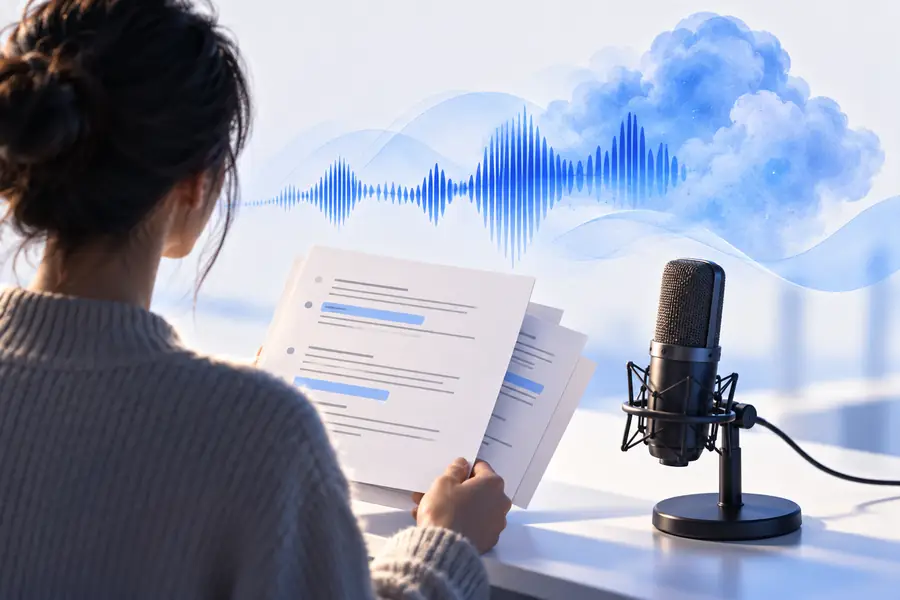
Illustrative comparison, not a sample of guaranteed output. If a line sounds wrong, revise the words and check the available controls before extending the script.
Choose words whose pronunciation and tone you can evaluate confidently. Continue to the voice tool, check its current access conditions, and listen before committing a longer project.
Availability and conditions depend on the tool you reach, and they can change. Check its current access terms before entering a long script or assuming you can keep or publish the result.
Use two or three sentences that include a name, a natural pause, and the tone you want to hear. Familiar wording makes pronunciation and pacing easier to assess than a generic demo line.
No. Text-based speech starts with written words, while a voice changer starts with an existing recording or live audio. Pick the workflow based on the material you already have.
Do not assume a preview grants publication rights. Review the destination tool's current usage terms, and get any permissions needed for a speaker reference, script, or other source material.
Names, abbreviations, dense punctuation, and long sentences can make delivery harder to judge. Try spelling an unusual name phonetically or splitting a sentence, then compare the new reading with your original.