Prepare the source
Use a clean recording with one clear speaker, steady volume, and enough spoken material to express the intended delivery.
Voice transformation
Voice changer ai helps you move from an original recording to a new vocal character, tone, or delivery while keeping the message recognizable. Voice Ai gives you a focused path from source audio to a usable result.
Related tools
Choose the adjacent workflow that matches your source material and intended result.
Create a spoken performance from a written direction when you do not have a source recording.
Build a recognizable vocal identity from approved reference audio for consistent narration.
Turn written copy into spoken audio when the input starts as text rather than a recording.
Explore a lower vocal character for dramatic, atmospheric, or authoritative delivery.
Simple workflow
A reliable voice changing session separates the input, the transformation, and the final review.
Use a clean recording with one clear speaker, steady volume, and enough spoken material to express the intended delivery.
Specify the character, tone, age impression, energy, or performance style you want the transformed voice to convey.
Listen for intelligibility, unwanted artifacts, and whether the new delivery still communicates the original words naturally.
At a glance
The result is strongest when the source, transformation, and review are treated as separate decisions.
Signal comparison
The before-and-after difference should be audible in character and tone without making the spoken content difficult to follow.
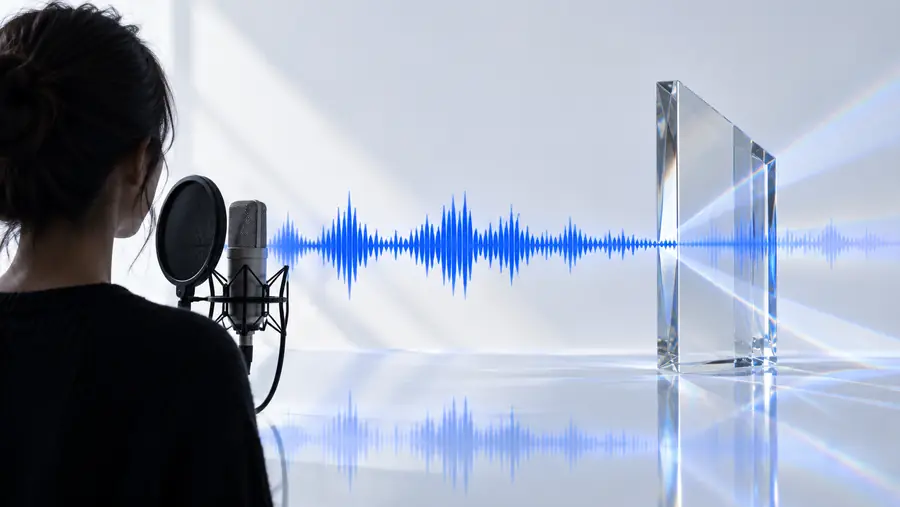
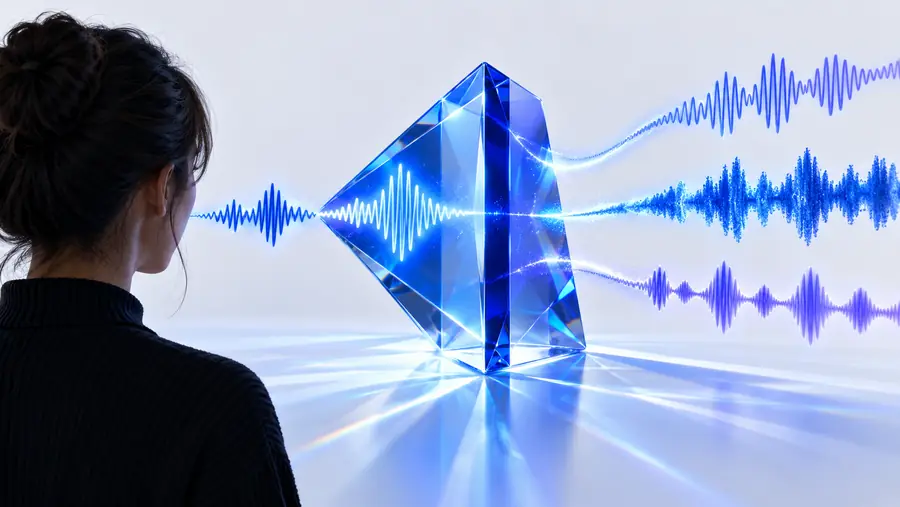
Compare clarity, character, and consistency rather than volume alone.
Honest boundaries
A voice transformation route is useful, but it is not a substitute for every kind of voice production or post-production work.
Heavy noise, clipping, overlapping speakers, or severe room echo can give the transformation less reliable material to work with.
WorkaroundStart with the cleanest source available and record a fresh take when the message matters.
A changed voice can suggest a character or vocal quality without reproducing a specific person perfectly or consistently.
WorkaroundUse an original character direction and obtain permission for any recognizable voice reference.
The tool can influence vocal character, but it cannot automatically decide the right pause, emphasis, emotion, or dramatic intent for every line.
WorkaroundGive precise delivery guidance and review the final take sentence by sentence.
Voice changing alone does not balance music, remove every artifact, or finish a full broadcast-ready production.
WorkaroundUse a separate editing and mixing pass for noise control, levels, music, and mastering.
Choose the right path
Both workflows use Voice AI, but they begin with different inputs and solve different production problems.
Voice changer
An existing spoken recording
AI voice generator
A written prompt, script, or direction
Voice changer
Alter the character or tone of a performance
AI voice generator
Create a new spoken performance
Voice changer
Can preserve the source performance structure
AI voice generator
Built from the generated delivery
Voice changer
Reworking a take without rewriting its words
AI voice generator
Producing narration from copy that has not been recorded
Voice changer
Starts with the source speaker's phrasing and rhythm
AI voice generator
Starts with written direction and selected delivery
Voice changer
Listen for natural transformation and source clarity
AI voice generator
Listen for pronunciation, pacing, and generated expression
Voice changer
Edit, mix, and approve the changed recording
AI voice generator
Revise the script or direction and generate another take
Make a better take
Bring a clear source recording and a specific creative direction. Voice Ai helps you explore a changed vocal character while keeping review and responsible use in the workflow.
Voice changer FAQ
These answers cover the practical distinction between changing a recording and generating speech from scratch.
Voice changer AI is a tool that transforms an existing spoken recording into a different vocal character, tone, or style. Unlike text-to-speech, it usually starts with audio rather than written copy.
It analyzes qualities in the source speech, such as wording, timing, and vocal characteristics, then produces a transformed version guided by a chosen direction. The quality depends heavily on the clarity and consistency of the original recording.
A voice changer begins with a recorded performance and changes how that performance sounds. A voice generator creates speech from text or another instruction, so it is better suited to scripts that have not yet been recorded.
No. Results vary with the source audio, the requested character, and the tool's capabilities. A transformed voice may suggest a style or persona without producing an exact or stable copy of a particular individual.
Use it with recordings and references you have the right to transform, and avoid misleading people about who is speaking. Review the output for accidental impersonation, sensitive content, and artifacts before sharing it.