1
Check the starting material
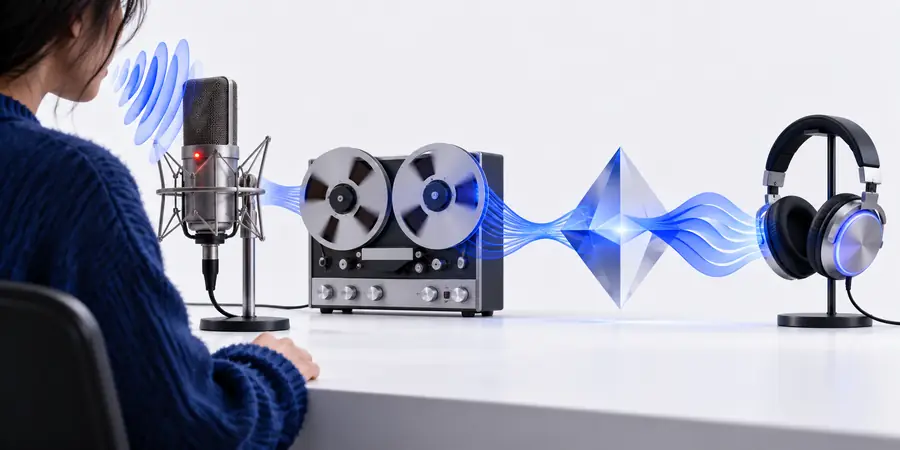
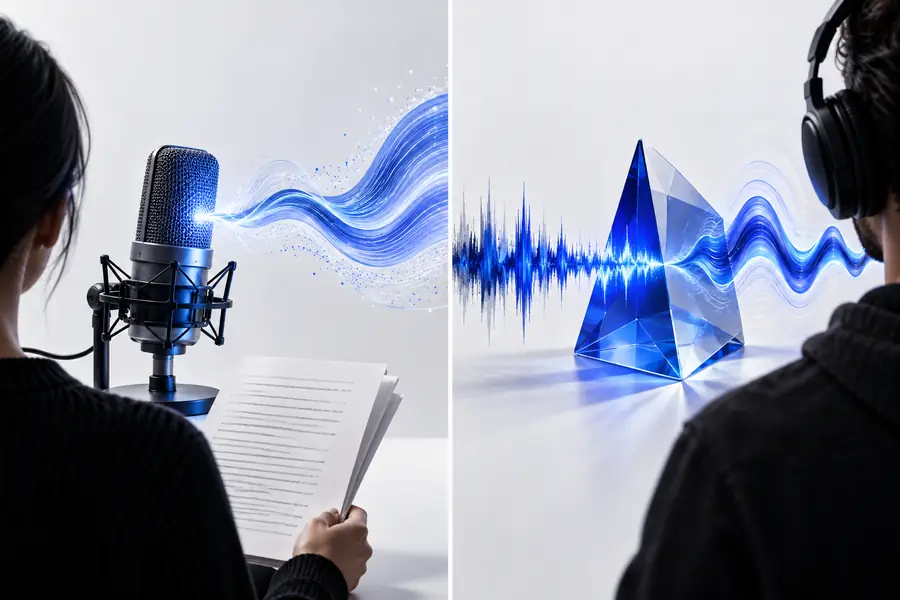
With a voice changer, microphone quality, room noise, pacing, and pronunciation are already in the recording. Conversion may alter the voice’s character, but it cannot be assumed to repair a rushed take. A script-led voice AI workflow starts without those recording problems, although the generated delivery still needs review.
2
Listen for performance
A changed recording can retain useful timing and emphasis from a real performer. That makes it a sensible test when a pause, laugh, or urgent line is central to the piece. Generated speech can be easier to revise at the text level, but you should listen for stress on names, emotional fit, and whether separate lines sound consistent together.
3
Judge the finished clip
Use the same short passage and intended listening context for both tests. Check intelligibility on ordinary speakers, transitions between sentences, and any distracting artifacts. Voice Ai is a useful way to frame the comparison, but a polished sample in isolation says less than a clip placed alongside your actual video, lesson, or message.